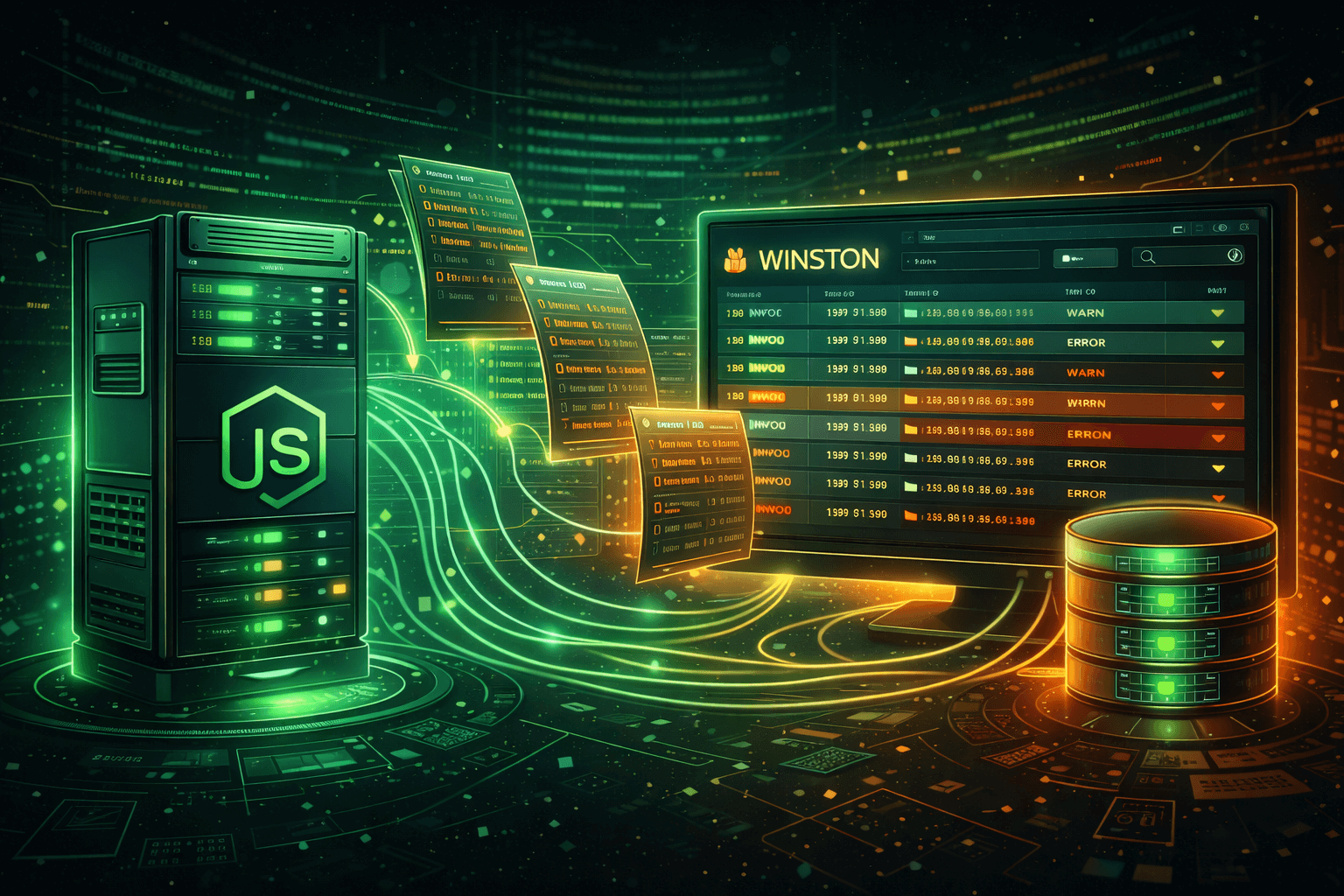
Node.js Logging with Winston: A Complete Guide
Master Winston for Node.js logging. Learn setup, configuration, transports, and how to send logs to a centralized service.
Winston is the most popular logging library for Node.js applications. It's flexible, extensible, and supports multiple transports out of the box. This guide covers everything from basic setup to advanced configurations.
Installation
npm install winstonBasic Setup
const winston = require('winston');

const logger = winston.createLogger({
  level: 'info',
  format: winston.format.json(),
  transports: [
    new winston.transports.File({ filename: 'error.log', level: 'error' }),
    new winston.transports.File({ filename: 'combined.log' }),
  ],
});

// Add console transport in development
if (process.env.NODE_ENV !== 'production') {
  logger.add(new winston.transports.Console({
    format: winston.format.simple(),
  }));
}

module.exports = logger;
Log Levels
Winston uses npm log levels by default:
const levels = {
  error: 0,
  warn: 1,
  info: 2,
  http: 3,
  verbose: 4,
  debug: 5,
  silly: 6
};
Custom Formatting
const logger = winston.createLogger({
  format: winston.format.combine(
    winston.format.timestamp(),
    winston.format.errors({ stack: true }),
    winston.format.json()
  ),
  transports: [
    new winston.transports.Console({
      format: winston.format.combine(
        winston.format.colorize(),
        winston.format.printf(({ level, message, timestamp, ...meta }) => {
          return `${timestamp} [${level}]: ${message} ${Object.keys(meta).length ? JSON.stringify(meta) : ''}`;
        })
      ),
    }),
  ],
});
Sending Logs to a Central Service
Create a custom HTTP transport to send logs to a service like 401 Clicks:
const Transport = require('winston-transport');
const axios = require('axios');

class HttpTransport extends Transport {
  constructor(opts) {
    super(opts);
    this.url = opts.url;
    this.token = opts.token;
    this.buffer = [];
    this.bufferSize = opts.bufferSize || 10;
    this.flushInterval = opts.flushInterval || 5000;

    setInterval(() => this.flush(), this.flushInterval);
  }

  log(info, callback) {
    this.buffer.push({
      level: info.level,
      message: info.message,
      timestamp: info.timestamp || new Date().toISOString(),
      context: { ...info },
    });

    if (this.buffer.length >= this.bufferSize) {
      this.flush();
    }

    callback();
  }

  async flush() {
    if (this.buffer.length === 0) return;

    const logs = [...this.buffer];
    this.buffer = [];

    try {
      await axios.post(this.url, { logs }, {
        headers: { Authorization: `Bearer ${this.token}` },
      });
    } catch (error) {
      console.error('Failed to send logs:', error.message);
      this.buffer = logs.concat(this.buffer);
    }
  }
}

module.exports = HttpTransport;
Using the Custom Transport
const HttpTransport = require('./http-transport');

const logger = winston.createLogger({
  transports: [
    new winston.transports.Console(),
    new HttpTransport({
      url: 'https://logs.401clicks.com/api/v1/logs/batch',
      token: process.env.CLICKS_API_TOKEN,
      bufferSize: 10,
      flushInterval: 5000,
    }),
  ],
});
Express.js Integration
Log HTTP requests with winston and morgan:
const morgan = require('morgan');
const logger = require('./logger');

const stream = {
  write: (message) => logger.http(message.trim()),
};

app.use(morgan('combined', { stream }));
Error Handling
Capture unhandled exceptions and rejections:
const logger = winston.createLogger({
  exceptionHandlers: [
    new winston.transports.File({ filename: 'exceptions.log' }),
  ],
  rejectionHandlers: [
    new winston.transports.File({ filename: 'rejections.log' }),
  ],
});
Best Practices
- Always include timestamps in your logs
- Use structured logging (objects, not strings)
- Set appropriate log levels per environment
- Buffer logs before sending to remote services
- Handle transport failures gracefully
Conclusion
Winston provides the flexibility to build a robust logging system for any Node.js application. Combined with a centralized logging service, you get powerful debugging capabilities across your entire infrastructure.
Admin
Published on September 30, 2025