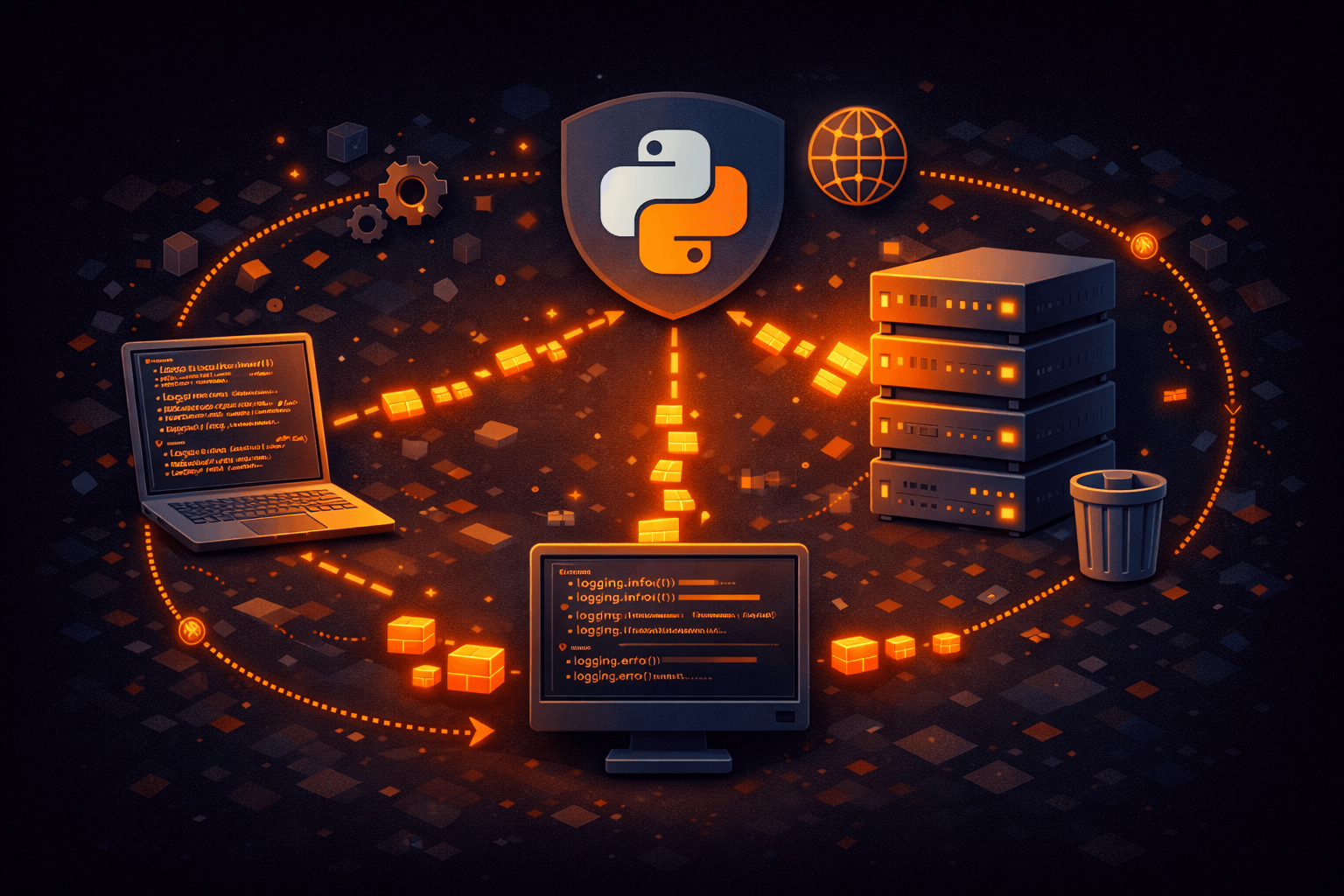
Python Logging to a Central Server: Complete Setup Guide
Learn how to configure Python's logging module to send logs to a central server for aggregation and analysis.
Python's built-in logging module is powerful but often underutilized. When you need to aggregate logs from multiple Python applications or services, sending them to a central server is the way to go. This guide shows you how.
Basic Python Logging Setup
import logging

logging.basicConfig(
    level=logging.INFO,
    format='%(asctime)s - %(name)s - %(levelname)s - %(message)s'
)

logger = logging.getLogger(__name__)
logger.info('Application started')
Creating an HTTP Handler
Python doesn't include an HTTP handler by default, but creating one is straightforward:
import logging
import requests
import json
from datetime import datetime
import threading
import queue
import atexit

class HttpHandler(logging.Handler):
    def __init__(self, url, token, batch_size=10, flush_interval=5):
        super().__init__()
        self.url = url
        self.token = token
        self.batch_size = batch_size
        self.flush_interval = flush_interval
        self.queue = queue.Queue()
        self.buffer = []

        self._start_flush_thread()
        atexit.register(self.flush)

    def _start_flush_thread(self):
        def flush_periodically():
            while True:
                self.flush()
                threading.Event().wait(self.flush_interval)

        thread = threading.Thread(target=flush_periodically, daemon=True)
        thread.start()

    def emit(self, record):
        log_entry = {
            'level': record.levelname.lower(),
            'message': self.format(record),
            'timestamp': datetime.utcnow().isoformat() + 'Z',
            'context': {
                'logger': record.name,
                'filename': record.filename,
                'lineno': record.lineno,
            }
        }

        if record.exc_info:
            log_entry['context']['exception'] = self.formatter.formatException(record.exc_info)

        self.buffer.append(log_entry)

        if len(self.buffer) >= self.batch_size:
            self.flush()

    def flush(self):
        if not self.buffer:
            return

        logs_to_send = self.buffer[:]
        self.buffer = []

        try:
            requests.post(
                self.url,
                json={'logs': logs_to_send},
                headers={'Authorization': f'Bearer {self.token}'},
                timeout=10
            )
        except Exception as e:
            print(f'Failed to send logs: {e}')
Using the HTTP Handler
import os

# Configure the handler
http_handler = HttpHandler(
    url='https://logs.401clicks.com/api/v1/logs/batch',
    token=os.environ.get('CLICKS_API_TOKEN'),
    batch_size=10,
    flush_interval=5
)
http_handler.setLevel(logging.INFO)
http_handler.setFormatter(logging.Formatter('%(message)s'))

# Add to your logger
logger = logging.getLogger()
logger.addHandler(http_handler)
logger.setLevel(logging.INFO)

# Now logs go to both console and remote server
logger.info('User logged in', extra={'user_id': 123})
Structured Logging with python-json-logger
pip install python-json-loggerfrom pythonjsonlogger import jsonlogger
class CustomJsonFormatter(jsonlogger.JsonFormatter):
def add_fields(self, log_record, record, message_dict):
super().add_fields(log_record, record, message_dict)
log_record['timestamp'] = datetime.utcnow().isoformat() + 'Z'
log_record['level'] = record.levelname.lower()
handler = logging.StreamHandler()
handler.setFormatter(CustomJsonFormatter())
logger = logging.getLogger()
logger.addHandler(handler)Django Integration
# settings.py
LOGGING = {
    'version': 1,
    'disable_existing_loggers': False,
    'handlers': {
        'http': {
            'class': 'myapp.logging.HttpHandler',
            'url': 'https://logs.401clicks.com/api/v1/logs/batch',
            'token': os.environ.get('CLICKS_API_TOKEN'),
        },
        'console': {
            'class': 'logging.StreamHandler',
        },
    },
    'root': {
        'handlers': ['console', 'http'],
        'level': 'INFO',
    },
}
Flask Integration
from flask import Flask
import logging

app = Flask(__name__)

http_handler = HttpHandler(
    url='https://logs.401clicks.com/api/v1/logs/batch',
    token=os.environ.get('CLICKS_API_TOKEN'),
)

app.logger.addHandler(http_handler)

@app.route('/')
def hello():
    app.logger.info('Homepage accessed')
    return 'Hello World'
Best Practices
- Use async/threading to avoid blocking your application
- Buffer logs and send in batches to reduce HTTP overhead
- Include context (request ID, user ID) in your logs
- Handle HTTP failures gracefully—don't crash your app
- Use appropriate log levels (DEBUG for dev, WARNING for prod)
Conclusion
Python's logging module is flexible enough to send logs anywhere. With a custom HTTP handler and proper batching, you can easily aggregate logs from all your Python applications in a central location for better debugging and monitoring.
A
Admin
Published on August 1, 2025